


You check your Runway dashboard on what you’re sure is your billing date, and your credit balance hasn’t moved. Maybe it’s still at zero, maybe it’s showing last month’s leftover number — either way, you were expecting a fresh allowance and it isn’t there.
Before you assume something’s broken, it’s worth knowing that Runway’s credit system has a few quirks that catch people out — most of which aren’t actually bugs. I dug through Runway’s own billing documentation and cross-checked it against real troubleshooting reports to put together exactly what’s going on and what to check, in order.
If Runway isn’t working for you, our best AI video tools comparison covers reliable alternatives — and our free AI tools rankings cover every other category too.
Table of Contents
The Most Common Cause: You’re Checking the Wrong Date

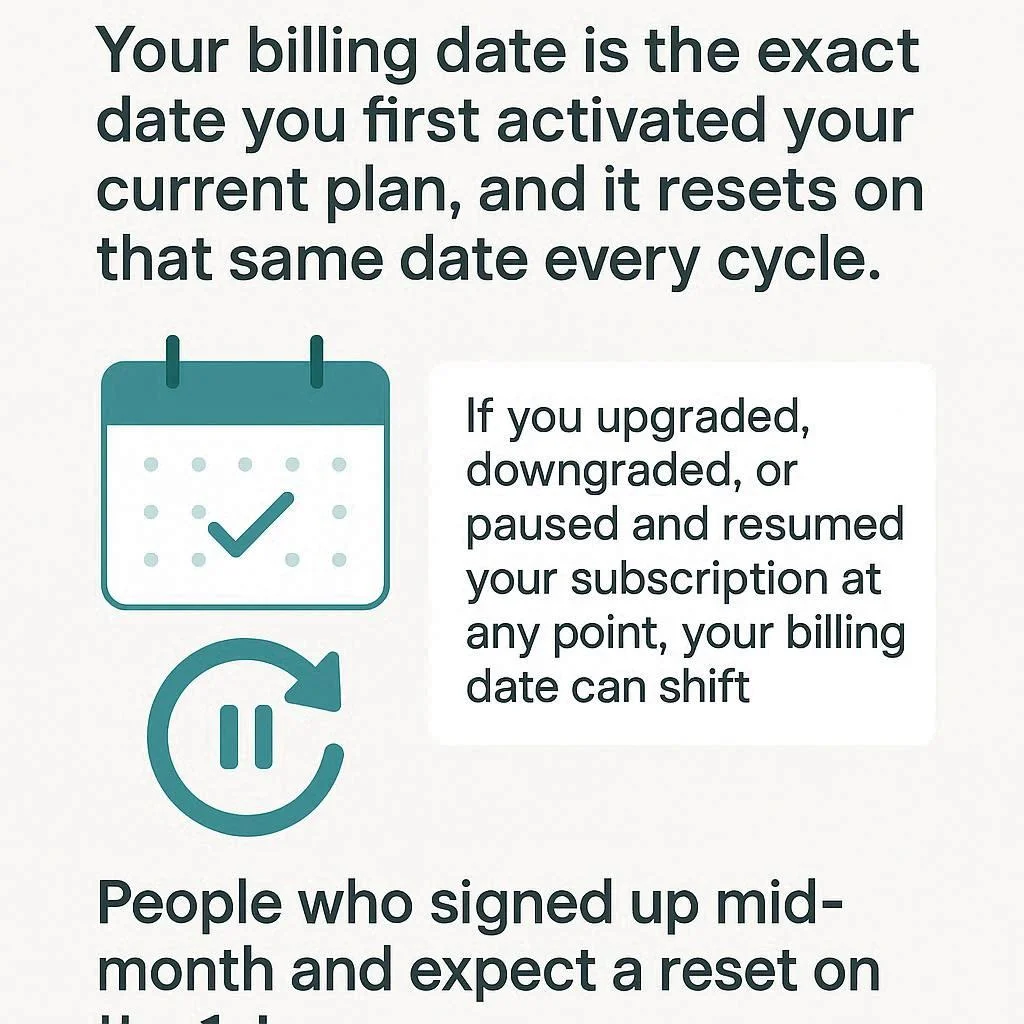
This sounds almost too simple, but it accounts for a large share of “my credits didn’t reset” reports. Your billing date isn’t necessarily the 1st of the month, or the date you think you signed up — it’s the exact date you first activated your current plan, and it resets on that same date every cycle.
If you upgraded, downgraded, or paused and resumed your subscription at any point, your billing date can shift. People who signed up mid-month and expect a reset on the 1st are checking on the wrong day entirely.
How to check your real reset date: Log into the Runway web app, click your profile icon, go to Manage your plan, and scroll to the Credits section. Your next renewal date is listed directly underneath your credit balance — that’s the actual date your credits refresh, not a calendar assumption.
Cause 2: Credits Don’t Roll Over — Which Can Look Like a “Failure”

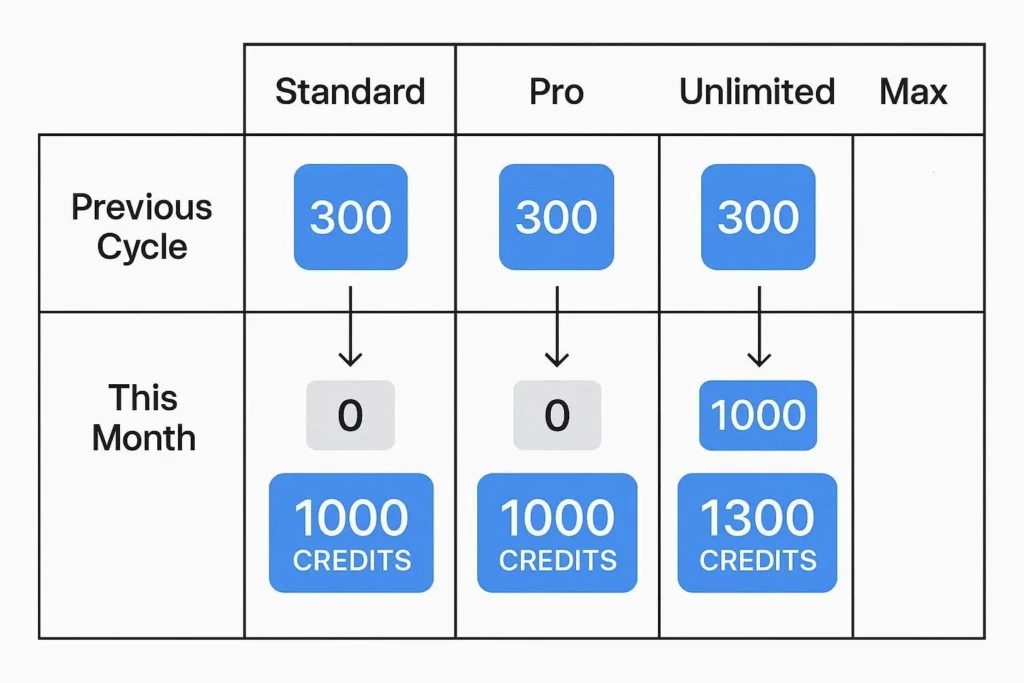
On Standard, Pro, and Unlimited plans, unused credits from the previous cycle are forfeited, not carried forward. If you had 300 credits left over and expected your new balance to be “300 + this month’s allowance,” that’s not how it works — your balance simply resets to your plan’s flat monthly amount.
This isn’t a bug, but it genuinely surprises people who assumed unused credits would stack. The only exception is the Max plan, where up to one month of unused credits can roll over.
What this means practically: if your balance looks lower than you expected right after a reset, check whether you’re comparing it to your plan allowance or to what you had banked from last cycle. Those are two different numbers.
Cause 3: A Genuine Billing Problem
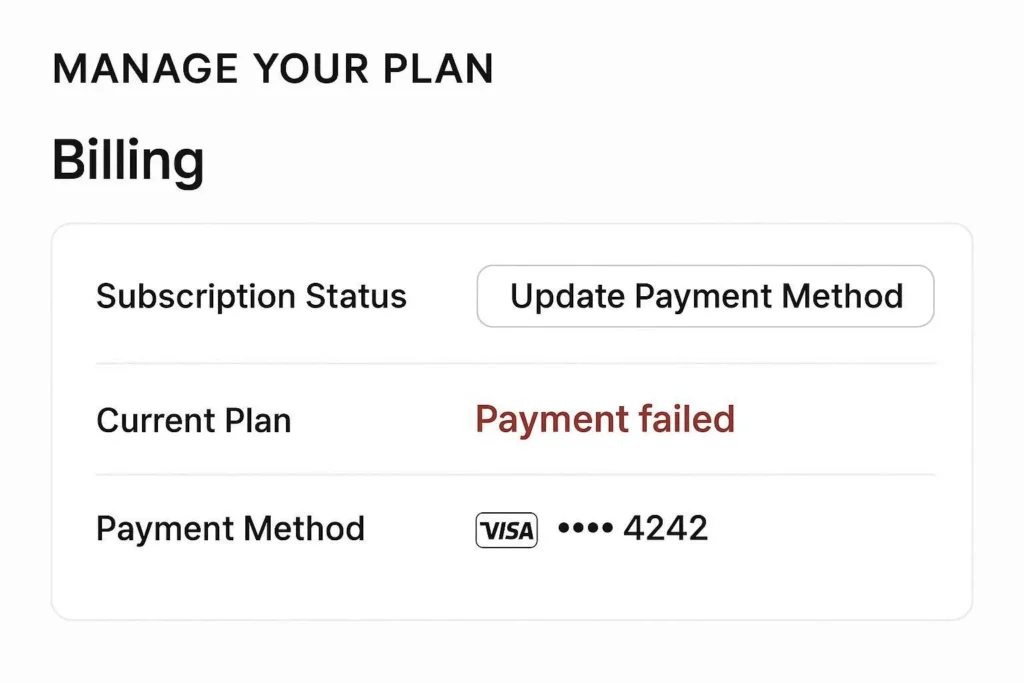
Runway’s own documentation is direct about this: credit refreshes are automatic and don’t fail to administer unless there’s an actual billing issue — most commonly a declined payment method. If your card expired, hit its limit, or your bank flagged the charge, your subscription can lapse silently, and with it, your credit refresh.
How to check: go to Manage your plan → Billing and look for any payment failure notice or a subscription status that isn’t “Active.” If your card was declined, updating your payment method typically triggers the refresh within a few minutes once the charge succeeds.
Cause 4: Purchased Credits vs. Plan Credits Confusion
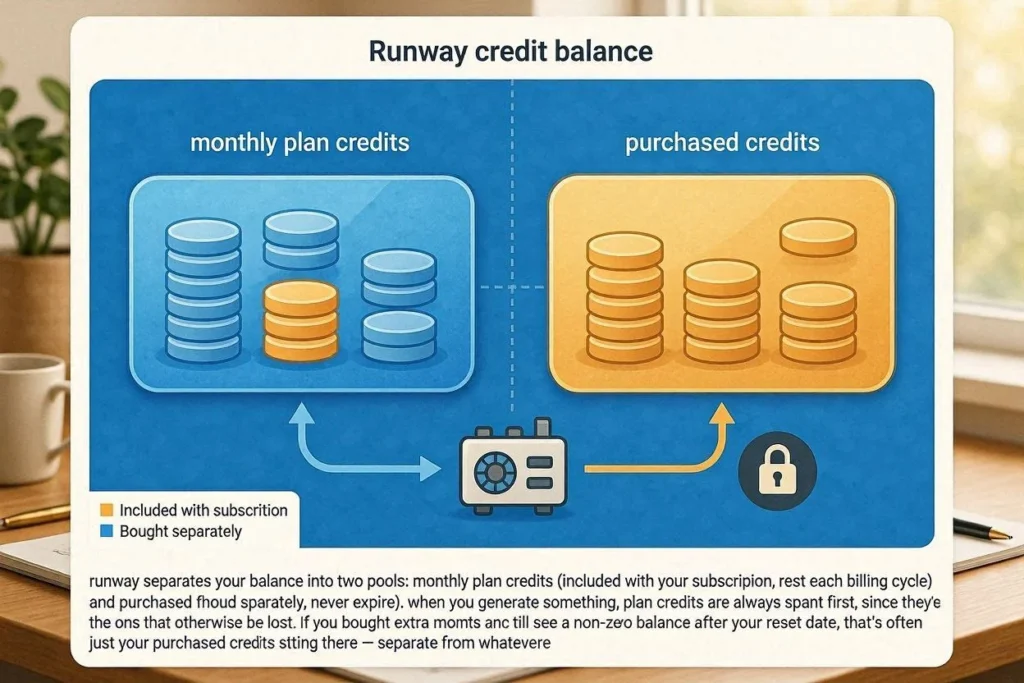
Runway separates your balance into two pools: monthly plan credits (included with your subscription, reset each billing cycle) and purchased credits (bought separately, never expire). When you generate something, plan credits are always spent first, since they’re the ones that would otherwise be lost.
If you bought extra credits at some point and still see a non-zero balance after your reset date, that’s often just your purchased credits sitting there — separate from whatever your plan allowance is doing. It can look like “my credits didn’t reset” when really, your plan credits did reset (possibly to zero if you’d already used the new allowance), and what you’re seeing is your leftover purchased balance.
How to tell them apart: the Credits section of your billing page breaks this down explicitly — plan credits and purchased credits are listed as separate line items, not combined into one confusing number.
How to Find Your Actual Reset Time
Here’s the fastest path to clarity, in order:
- Go to Manage your plan in your account settings.
- Note the exact renewal date and time listed under your credit balance — not just the date, the time matters if you’re checking right around midnight.
- Compare that against your payment history — the date of your most recent successful charge should match.
- If those two dates don’t align, that’s your first real sign of a billing sync issue, not a credit “bug.”
How to Check Exactly Where Your Credits Went
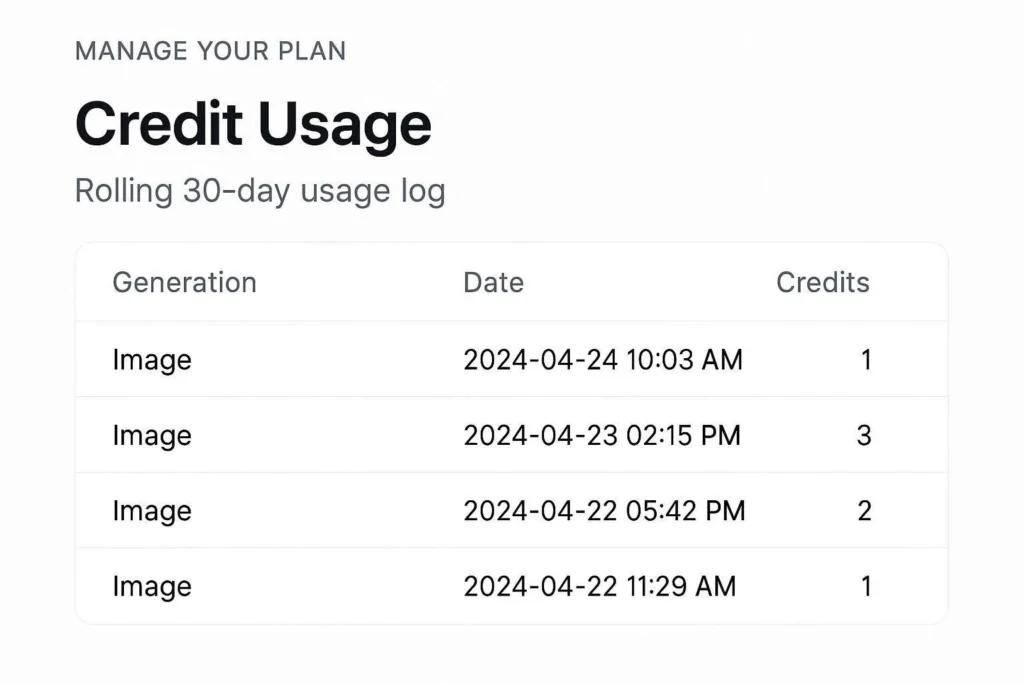
If your balance seems wrong rather than simply “not reset,” Runway keeps a rolling 30-day usage log. Under Manage your plan, scroll to the Credit usage table — it lists every generation, when it happened, and how many credits it consumed. This is the single most useful thing to check before assuming something’s broken, because it’s common to underestimate how quickly credits get used, especially with longer or higher-resolution generations.
One specific edge case worth knowing: if a generation displays an error banner mid-run, the credits should be automatically returned within a few minutes, and the entry should disappear from your usage table. If a failed generation’s credits are still showing as spent after 10-15 minutes, that’s worth flagging to support directly rather than waiting.
What to Do If It’s Genuinely Stuck
If you’ve checked your actual renewal date, confirmed your payment went through, separated plan credits from purchased credits, and your balance still hasn’t moved past your renewal time — here’s the fastest way to get it resolved:
- Screenshot your Manage your plan page showing the renewal date and current balance.
- Screenshot your payment history showing the successful charge.
- Contact Runway support through their in-app help or Discord community, with both screenshots ready. Having the exact mismatch documented up front skips the first round of “have you checked your billing date” questions support will otherwise ask.
Frequently Asked Questions
How long after payment do Runway credits actually appear? Usually within a few minutes of payment processing. Runway’s own guidance notes it can occasionally take up to a few hours for the system to fully update, so it’s worth waiting before assuming something’s wrong.
Do unused Runway credits carry over to the next month? Only on the Max plan, where up to one month of unused credits can roll over. On Standard, Pro, and Unlimited, unused credits are forfeited at each renewal — your balance simply resets to your plan’s flat allowance.
Why do my credits show a different number than I expected after renewal? This is almost always the plan-credits-vs-purchased-credits split. Your plan credits reset to your subscription’s flat amount; any separately purchased credits sit on top of that and don’t expire, which can make the total look larger or smaller than you expected depending on how much you’d already spent.
Can I get credits back for a generation I wasn’t happy with? No — if a generation completes, credits are consumed regardless of whether the output matches what you wanted. Credits pay for the generation process itself, not a guaranteed result. The exception is a failed generation showing an error banner, which should auto-refund within minutes.
Verified against Runway’s official billing documentation, July 2026. If you’re dealing with a different credits or billing issue not covered here, get in touch and I’ll look into it.
If you’re weighing whether to stick with Runway or try something else while this gets sorted, I’ve tested the free tiers of several alternatives here: free AI video generators with no watermark, compared. And if the credit system across AI tools in general feels confusing, the same kind of plan-vs-purchased split shows up in other platforms too — worth checking before assuming a bug: best free AI tools in 2026, tested and ranked.
having issues with another AI video tool? see our full video AI comparison