Last updated: April 2026 | Read time: 10 min | Category: AI Tools · Free Tools
Most free AI image generators have a catch: a watermark stamped on every output, making your images unusable for professional or commercial work.
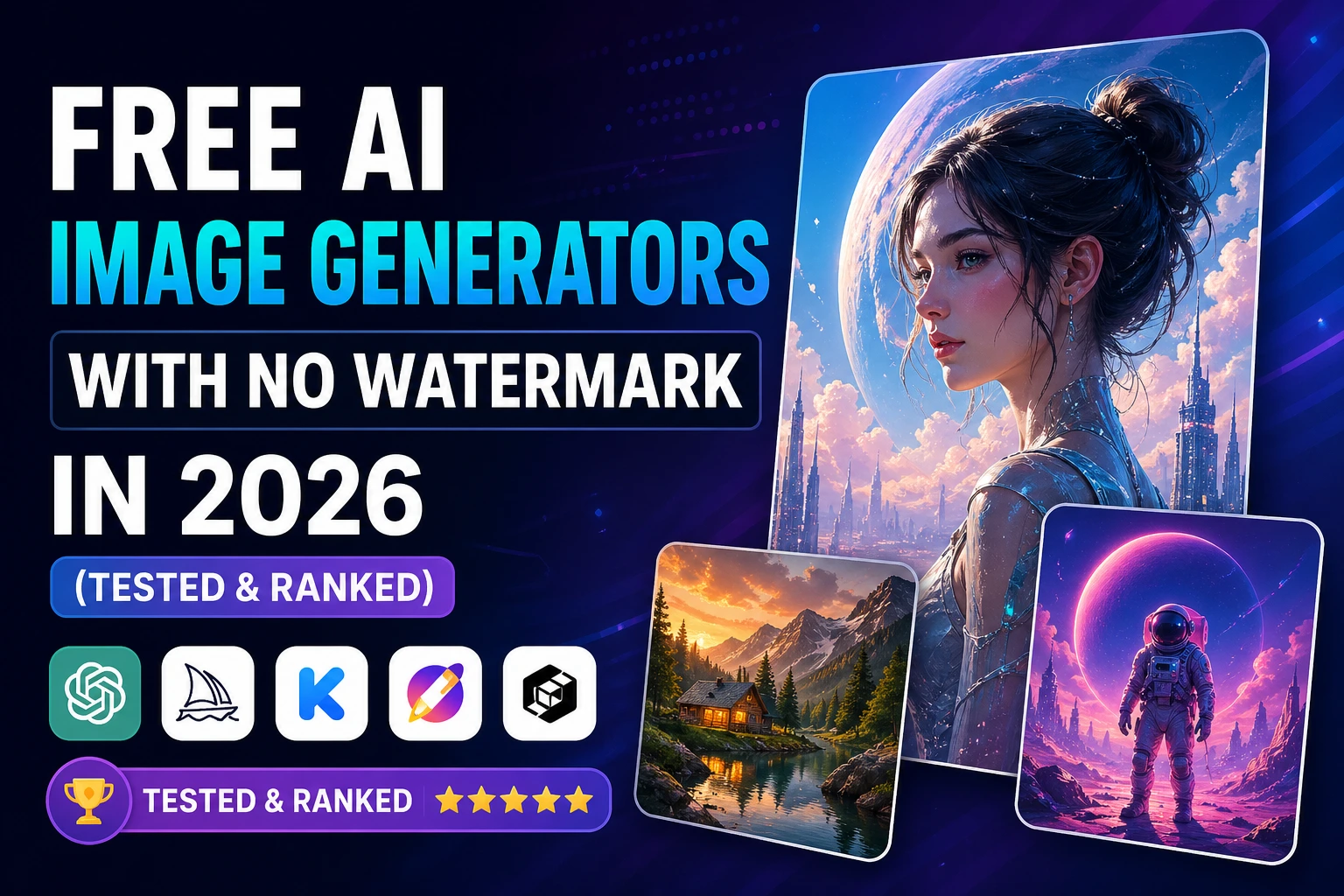
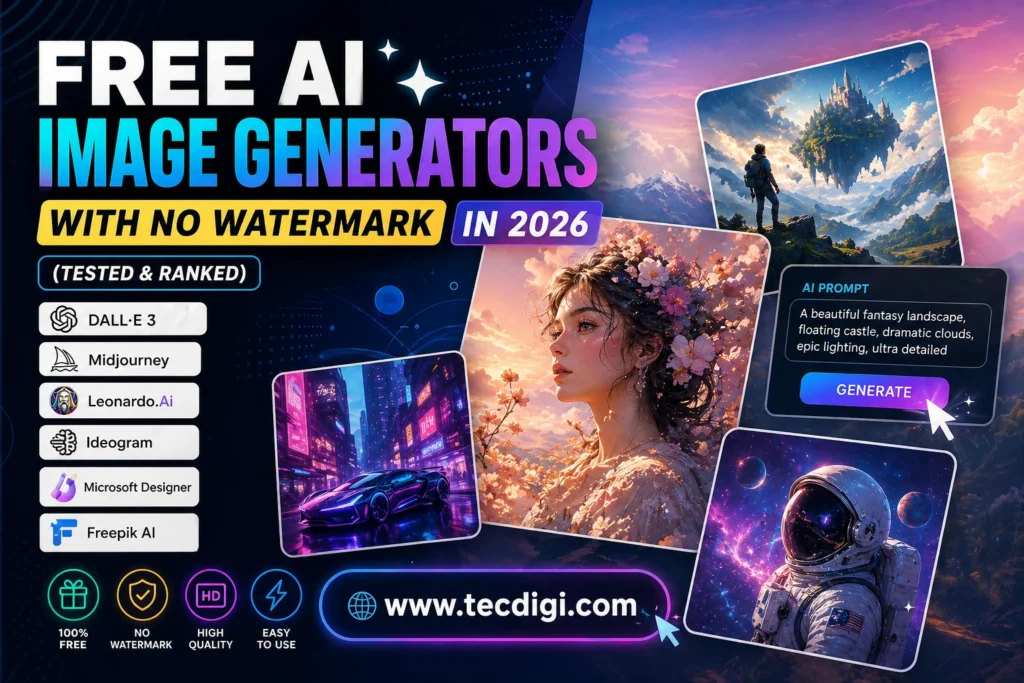
This guide covers only the free AI image generators that give you clean, watermark-free outputs — tested, ranked, and compared so you can pick the right one in under 5 minutes.
We tested 14 tools. These 7 made the cut.
Table of Contents
1. Why Watermarks Are a Deal-Breaker
A watermark turns a potentially professional output into something you can only use as a personal draft. If you’re creating:
- Marketing visuals for clients
- Digital products to sell on Etsy
- Blog post featured images
- Social media graphics
- Book covers or album art
…you need clean, watermark-free images. Period.
The good news: in 2026, the best free AI image generators don’t watermark their outputs. The bad news: many tools advertise “free” but add watermarks unless you pay. We cut through that confusion for you.
One important distinction: watermark-free doesn’t always mean commercially licensed. We’ll flag both for each tool.
2. Our Top 7 Free AI Image Generators Without Watermarks
Here’s the quick ranking before we dive into details:
- Leonardo AI — Best overall quality, 150 tokens/day free
- Adobe Firefly — Best for guaranteed commercial licensing
- Canva AI — Best integrated into a design workflow
- Microsoft Designer — Best for absolute beginners
- Playground AI — Best for high daily volume
- Ideogram — Best for images with readable text
- Stable Diffusion — Best for advanced, unlimited generation
3. Leonardo AI — Best Overall Free AI Image Generator
Free plan: 150 tokens/day (~30–50 images), no watermark, multiple AI models including Flux and Phoenix.
Leonardo AI is the best free AI image generator available in 2026 — full stop. The free tier gives you 150 tokens every day (they reset at midnight UTC), access to multiple state-of-the-art generation models, and clean watermark-free outputs you can use immediately.
What makes it stand out
Multiple generation models. Leonardo’s free tier includes access to Flux, Phoenix, and several fine-tuned models. Different models produce dramatically different styles — photorealistic, illustrated, cinematic, artistic. You choose the right model for each project rather than being stuck with one style.
Consistency tools. Leonardo’s “Image Guidance” feature lets you upload a reference image and generate variations that match its style, composition, or character. This is critical for brand consistency — something most free tools don’t offer.
AI Canvas. Edit generated images directly in Leonardo’s canvas — extend backgrounds, add or remove elements, change lighting. These editing features are typically paid-only on other platforms.
MotionAI. Animate any generated image into a short video clip. Free tier gives you limited motion credits each day.
Image quality examples by model
- Flux Schnell: Fast generation, good for ideation and volume. Quality is solid but not the best.
- Phoenix: Slower but produces the highest quality outputs. Best for final assets.
- Leonardo Diffusion XL: Excellent for illustrations and stylized art.
Limitations
- 150 tokens/day is enough for casual use but limiting for heavy production.
- Complex generations (high resolution, multiple subjects) use more tokens per image.
- Commercial licensing: outputs are generally allowed for commercial use but review Leonardo’s current terms before selling — they update periodically.
Best use cases
- Digital art commissions
- Blog featured images
- Social media graphics
- YouTube thumbnails
- Marketing materials
- Product mockups
Verdict: Start here. Best quality, best free tier, most features at zero cost.
4. Adobe Firefly — Best for Guaranteed Commercial Use
Free plan: 25 generative credits/month, no watermark, commercially safe outputs, Adobe Express integration.
Adobe Firefly has one specific advantage over every other tool on this list: every image generated is trained exclusively on licensed Adobe Stock content and public domain images. This means commercial use is genuinely guaranteed — not just permitted with conditions, but backed by Adobe’s legal team.
What makes it stand out
Commercial safety guarantee. If you plan to sell outputs — as stock images, digital products, client deliverables — Firefly is the only free tool where you don’t need to read the fine print. Adobe explicitly guarantees commercial safety.
Generative Fill. Upload any photo and use AI to add, remove, or replace elements seamlessly. This is Photoshop-level editing available in the browser for free. Use it to create custom marketing images from stock photos.
Adobe Express integration. Generated images flow directly into Adobe Express for further design work — similar to Canva but with Adobe’s design ecosystem.
Style consistency. Firefly’s style reference feature lets you apply the aesthetic of one image to new generations — useful for maintaining visual brand identity across multiple assets.
Limitations
- Only 25 credits/month on free plan. This is genuinely limited — approximately 25 images total per month.
- Image quality, while good, is slightly below Leonardo AI for creative and artistic styles.
- The interface is more complex than beginner-friendly tools.
Best use cases
- Commercially safe stock image creation
- Professional client work where licensing matters
- Photo editing and retouching
- Brand asset creation with legal safety
Verdict: Choose Firefly when commercial licensing certainty is more important than volume or style variety.
5. Canva AI — Best for Images You’ll Use in Designs
Free plan: Limited Text to Image generations/month, Magic Erase, Background Remover, no watermark on outputs.
Canva’s AI image generation is not the most powerful standalone tool — but it’s the most practical for anyone who needs images that immediately become part of a finished design. Generate an image and it drops straight into your Canva canvas, ready for text, branding, and layout.
What makes it stand out
Workflow integration. Generate an image and immediately add text, resize for different platforms, apply brand colors, and export — all in one tool. No downloading and re-uploading between apps.
Background Remover. Remove backgrounds from any image (AI-generated or uploaded) with one click. Essential for product mockups, thumbnails, and profile pictures.
Magic Erase and Magic Edit. Select any element in an image and erase or replace it. Useful for cleaning up generated images without starting over.
Templates. Thousands of professional templates that you can populate with AI-generated images — the fastest path from idea to publishable visual.
Limitations
- Standalone image generation quality is lower than Leonardo AI or Firefly.
- Monthly generation limit on free plan (exact number varies, typically 50 generations/month).
- Most powerful AI features require Canva Pro ($13/month).
Best use cases
- Social media graphics (Instagram, Pinterest, LinkedIn)
- YouTube thumbnails
- Blog featured images
- Presentations and pitch decks
- Digital product covers
Verdict: Choose Canva AI when the image needs to become part of a finished design immediately. For standalone art, use Leonardo.
6. Microsoft Designer — Best for Absolute Beginners
Free plan: Generous daily generations, no watermark, integrated with Microsoft 365 and Bing.
Microsoft Designer is the most beginner-friendly free AI image generator in 2026. The interface is minimal, the prompts are guided (it suggests improvements as you type), and it connects directly with Microsoft’s ecosystem.
What makes it stand out
Prompt assistance. As you type your image description, Designer suggests enhancements and refinements — particularly useful for people who struggle with writing effective prompts.
Microsoft 365 integration. Generated images can be used directly in Word, PowerPoint, and Teams — making it the best choice for corporate and business document creation.
DALL-E 3 powered. Microsoft Designer uses OpenAI’s DALL-E 3 model, which is particularly strong for photorealistic images and accurate text rendering.
Daily free generations. Microsoft is generous with free generations — you can produce more images daily than most competitors allow.
Limitations
- Less control over style and model selection compared to Leonardo.
- Best within Microsoft’s ecosystem — less compelling as a standalone tool.
- Not ideal for artistic or stylized image generation.
Best use cases
- Business presentations and documents
- Simple marketing graphics
- Social media images for non-designers
- Quick illustrations for blog posts
Verdict: The best choice if you’re new to AI image generation and want a guided, beginner-friendly experience.
7. Playground AI — Best for High Daily Volume
Free plan: 500 images/day, no watermark, multiple models including Playground v3.
Playground AI’s free tier is the most generous in terms of raw volume — 500 images per day dwarfs every other tool on this list. If you need to generate large quantities of images for testing, variation exploration, or creative projects, Playground is the answer.
What makes it stand out
500 images/day free. No other mainstream free AI image generator comes close to this volume. This makes Playground ideal for A/B testing multiple visual concepts, creating variation sets, or running large creative projects.
Playground v3 model. Playground’s own model is particularly strong for stylized, illustrated, and artistic outputs — different from Leonardo’s photorealistic strength.
Community feed. Browse publicly shared generations for inspiration and learn effective prompts from other users.
Limitations
- Quality ceiling is slightly below Leonardo AI for premium outputs.
- Some advanced features (canvas, editing) are limited on free plan.
- Interface less polished than Canva or Adobe Firefly.
Best use cases
- Large-scale image generation projects
- Style exploration and creative testing
- Social media content at volume
- Pattern and texture generation
Verdict: Choose Playground when you need quantity. Choose Leonardo when you need quality.
8. Ideogram — Best for AI Images With Readable Text
Free plan: 10 free generations/day, no watermark, excellent text rendering.
Ideogram solves one of AI image generation’s oldest problems: text that actually reads correctly. Every other AI image generator struggles with text in images — letters get scrambled, words become unreadable. Ideogram is specifically optimized for this use case.
What makes it stand out
Accurate text rendering. Generate images with signs, posters, labels, t-shirt designs, book covers, or any visual requiring readable text. Ideogram handles this better than any other free tool.
Typography integration. Choose fonts, adjust sizing, and position text elements within the generated image — a unique feature among free AI image generators.
Style consistency. Strong at maintaining consistent visual style across a series of images — useful for creating cohesive marketing campaigns or product lines.
Limitations
- Only 10 free generations/day — very limited compared to competitors.
- General image quality good but not best-in-class outside of text use case.
- Paid plan required for commercial licensing certainty.
Best use cases
- T-shirt and merchandise designs
- Poster and flyer creation
- Book and ebook covers with titles
- Social media graphics with quotes or text overlays
- Logo concepts
Verdict: The only serious choice when your image needs to include readable text.
9. Stable Diffusion (Local) — Best for Unlimited, Uncapped Generation
Free plan: Completely free, unlimited generations, no watermark, runs locally on your computer.
Stable Diffusion is open-source AI image generation software that you install and run on your own computer. There are no daily limits, no subscriptions, no watermarks, and no restrictions — because it runs entirely on your hardware.
What makes it stand out
Truly unlimited. No daily caps, no usage limits, no account required. Generate 1,000 images if you want.
Full control. Access to thousands of community-created models, fine-tuned for specific styles — anime, photorealism, oil painting, architectural visualization, and more.
Privacy. Images are generated locally. Nothing is sent to external servers.
Customization. Train your own model on specific images to generate consistent characters, products, or styles. This is a professional-level capability available at zero cost.
Limitations
- Requires a reasonably powerful computer with a dedicated GPU (minimum 8GB VRAM recommended).
- Setup takes 1–3 hours for non-technical users.
- No beginner-friendly interface — requires learning the tool.
- Results vary significantly based on prompting skill and model selection.
Best use cases
- Professional AI artists and content creators
- High-volume commercial image production
- Custom model training for specific characters or styles
- Privacy-sensitive projects
Verdict: The best tool for advanced users who want unlimited generation and full control. Skip it if you’re not comfortable with technical setup.
10. Full Comparison Table
| Tool | Free Images/Day | Watermark | Commercial Use | Best For | Skill Level |
|---|---|---|---|---|---|
| Leonardo AI | ~30–50 | ❌ None | ✓ (verify terms) | Best overall quality | Beginner–Intermediate |
| Adobe Firefly | ~1/day (25/mo) | ❌ None | ✓ Guaranteed | Commercial safety | Beginner |
| Canva AI | ~50/month | ❌ None | ✓ | Design workflow | Beginner |
| Microsoft Designer | Generous | ❌ None | ✓ | Beginners, MS users | Beginner |
| Playground AI | 500 | ❌ None | ✓ (verify) | High volume | Beginner–Intermediate |
| Ideogram | 10 | ❌ None | Paid only | Text in images | Beginner |
| Stable Diffusion | Unlimited | ❌ None | ✓ | Advanced, unlimited | Advanced |
11. Can You Sell AI-Generated Images?
This is the most common question — and the answer is: yes, in most cases, with conditions.
Platforms where you can sell AI-generated images:
- Etsy — Allowed with disclosure that the product is AI-generated. Disclosure is required as of 2024.
- Redbubble — Allowed. No specific AI disclosure required currently.
- Adobe Stock — Allowed with AI disclosure tag. Firefly-generated images accepted; other tools may vary.
- Shutterstock — Allowed with AI disclosure. Stricter review process.
- Creative Fabrica — Allowed with AI disclosure.
Platforms where it’s more complex:
- Getty Images — Does not currently accept AI-generated images.
- Amazon Merch — Policy evolving; AI-generated designs reviewed case by case.
The commercial licensing rule to follow:
Before selling any AI-generated image, check three things:
- Does the generation tool permit commercial use in its terms of service?
- Does the selling platform allow AI-generated content?
- Is disclosure required by the platform?
Adobe Firefly is the safest choice for selling — commercial use is explicitly guaranteed. Leonardo AI is generally permitted but verify their current terms before large-scale commercial use.
12. FAQs
Which free AI image generator produces the most realistic photos?
Leonardo AI using the Phoenix model produces the most photorealistic outputs among free tools in 2026. Microsoft Designer (powered by DALL-E 3) is a strong second for photorealism specifically.
Can I use these images on my blog or website for free?
Yes. All tools on this list produce watermark-free outputs that you can use on your own blog or website. Commercial licensing conditions apply mainly when you’re selling the images themselves.
Do any of these tools require a credit card to sign up?
No. Every tool on this list offers a genuinely free plan with no credit card required at signup: Leonardo AI, Adobe Firefly (with Adobe account), Canva, Microsoft Designer, Playground AI, Ideogram, and Stable Diffusion.
What’s the best free AI image generator for YouTube thumbnails? Leonardo AI for highest quality, or Canva AI if you want to add text and design elements in the same tool. Most YouTubers use a combination: generate the base image in Leonardo, bring it into Canva for text and layout.
How do I write better prompts for AI image generation?
The most effective prompts follow this structure: Subject + Style + Lighting + Mood + Camera/Perspective. Example: “A minimalist home office setup, Scandinavian interior design style, natural morning light, calm and productive atmosphere, wide-angle shot.” Specificity dramatically improves outputs.
Final Thoughts
In 2026, you don’t need to pay for an AI image generator to get professional-quality, watermark-free results.
Start with Leonardo AI for the best quality on a free plan. Add Canva AI when you need images integrated into designs. Use Adobe Firefly when commercial licensing certainty matters most.
The tools are genuinely capable. The only variable is how well you learn to prompt them — and that’s a skill that improves with every image you generate.
Want the complete picture across every AI image tool, not just the watermark-free options? See our full AI image generators guide — or explore our complete free AI tools rankings for every category.
Related guides:
- The Complete Guid²e to Free AI Tools in 2026
- Best Free AI Writing Tools for Bloggers in 2026
- Best Free AI Video Generators Without Watermark in 2026
- How to Make Money with Free AI Tools in 2026