
Category: AI Tools Author: Tecdigi Digital Last Updated: July 22, 2026 | Read time: 9 min
If you’ve ever stared at a blank timeline in a video editor wondering how a 10-minute clip is supposed to happen before your coffee gets cold, you already know why AI video tools blew up the way they did. InVideo AI is one of the names that keeps showing up in that conversation — and after spending a month putting it through real workflows, here’s our full breakdown of what it gets right, where it stumbles, and who should actually buy it.
Quick verdict: InVideo AI is the fastest text-to-video tool we’ve tested this year for volume content. If you already know you want to try it, start free with InVideo AI here — no credit card needed. Otherwise, keep reading for the full breakdown.
Table of Contents
What Is InVideo AI?
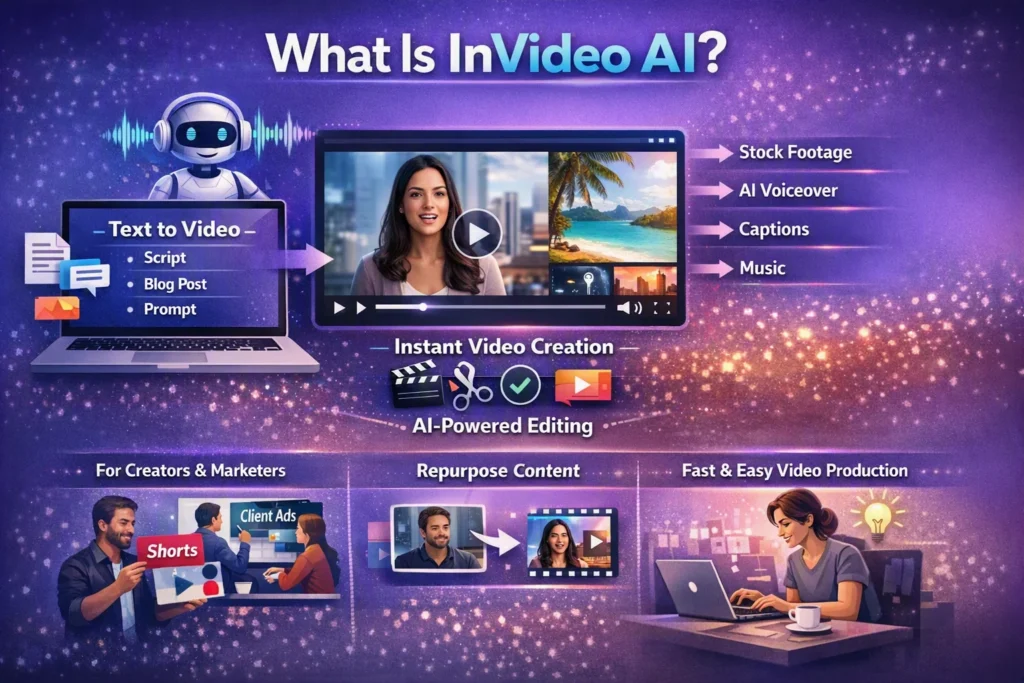
InVideo AI is a browser-based platform that turns a text prompt, script, or blog post into a fully edited video — complete with stock footage, AI voiceovers, captions, and background music. Instead of dragging clips onto a timeline, you describe what you want, and the AI assembles a rough cut you then refine.
It’s aimed squarely at creators, marketers, and small teams who need video output at a pace a traditional editor can’t match: YouTubers repurposing long-form content into shorts, agencies producing client ads at scale, and solo creators who don’t have (or want) an editing skill set.
Key Features We Actually Tested
- Text-to-video generation — paste a script or even a URL, and InVideo drafts a full video with matching visuals
- 5,000+ templates across social formats (Reels, Shorts, YouTube, ads)
- AI voiceovers in dozens of languages and accents, no recording needed
- Auto-captioning with customizable styles
- Built-in stock library so you’re not hunting for b-roll on five different sites
- Team collaboration tools for agencies managing multiple clients
The text-to-video step is genuinely the standout. It won’t replace a skilled editor for high-stakes brand work, but for volume content — explainer videos, product demos, social clips — it cuts production time dramatically. If your workflow matches this, this is the feature set that pays for itself fastest.
Pricing: Is InVideo AI Worth the Cost?
InVideo AI runs on a tiered subscription model, with a free plan for testing the waters and paid plans unlocking longer videos, more AI credits, and premium templates. Annual billing brings a meaningful discount over monthly.
Our take: the free plan is fine for testing the interface, but you’ll hit its limits fast if you’re publishing regularly. Most serious creators end up on the mid-tier plan within their first week — which is exactly why we’d suggest starting on the free tier first rather than committing blind.
Test the full editor with no commitment before you decide on a plan.
Start your free InVideo AI trial →
Pros and Cons
What we liked:
- Fastest text-to-video turnaround we’ve tested this year
- Templates actually look modern, not dated
- Voiceover quality is close to human in most languages tested
What held it back:
- AI-generated cuts still need a manual polish pass for anything client-facing
- Stock footage can feel generic in niche industries
- Occasional lag on longer renders during peak hours
Who Should (and Shouldn’t) Use InVideo AI
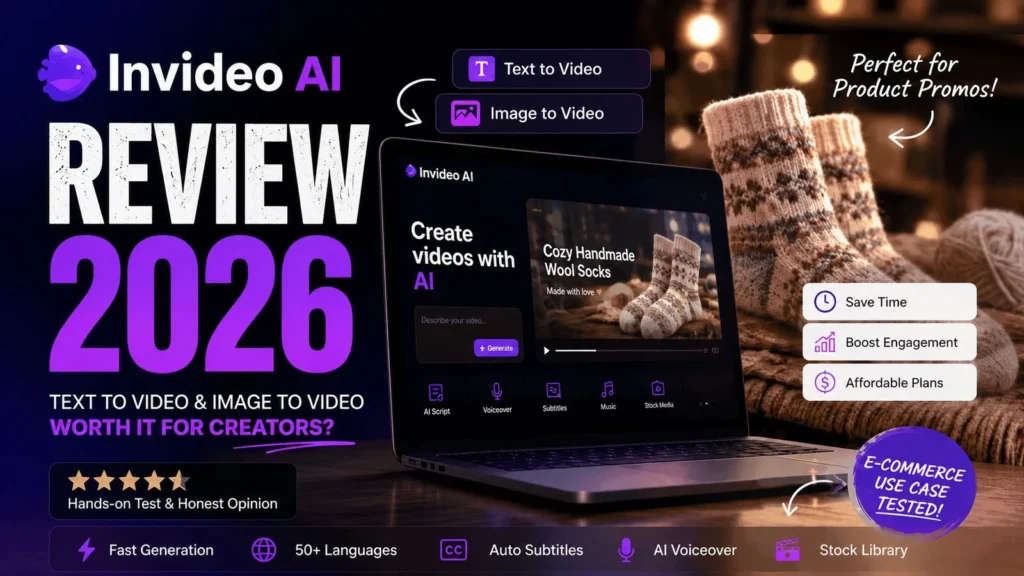
Good fit: YouTubers repurposing content, social media managers producing daily shorts, small agencies needing fast client turnarounds, solo creators without editing skills. If that’s you, InVideo AI is worth testing today.
Skip it if: you need frame-perfect cinematic editing, or your brand requires fully custom footage rather than stock-assisted scenes — a traditional editor or Premiere Pro workflow will serve you better there.
InVideo AI vs. Alternatives
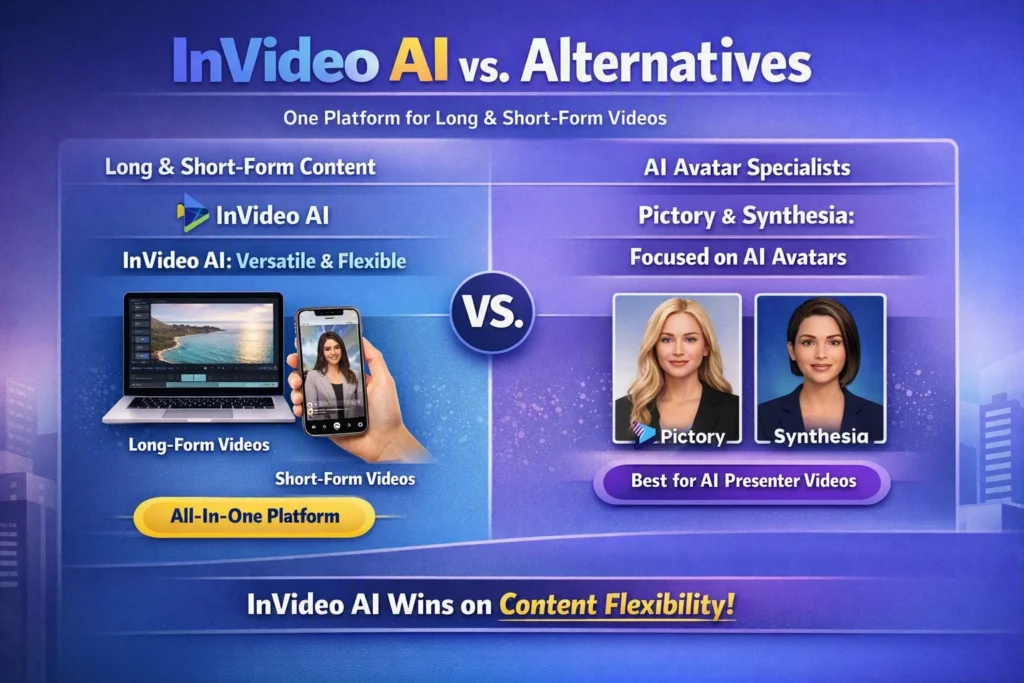
If you’re comparing tools, InVideo AI’s biggest edge over competitors like Pictory or Synthesia is breadth: it handles long-form and short-form output in one platform, rather than specializing in just one format. For pure AI-avatar presenter videos, Synthesia still has an edge — but for general content velocity, InVideo AI wins on flexibility.
| Tool | Best for | Free plan | Our pick |
|---|---|---|---|
| InVideo AI | Volume content, long + short form | Yes | ✅ Try free |
| Pictory | Blog-to-video conversion | Limited trial | — |
| Synthesia | AI presenter/avatar videos | No | — |
Frequently Asked Questions
Is InVideo AI free? Yes, there’s a free plan, but exports are limited and watermarked. Most regular users upgrade to a paid tier. See current plans and pricing.
Does InVideo AI work for YouTube videos? Yes — it supports long-form YouTube exports as well as Shorts, Reels, and TikTok formats natively.
Is InVideo AI good for beginners? Yes. The text-to-video flow is built specifically so people with zero editing background can produce usable video content on day one.
Final Verdict
InVideo AI earns its place in our “Tested & Ranked” list for one simple reason: it removes the biggest barrier to video content — production time — without demanding an editing skill set. It’s not a replacement for a professional editor on high-budget work, but for the volume of content most creators and small businesses actually need, it’s one of the fastest paths from idea to published video available right now.
Get started with InVideo AI free →
Disclosure: This post contains affiliate links. If you sign up through our link, we may earn a commission at no extra cost to you. We only recommend tools we’ve personally tested.
Looking for other video tools beyond InVideo AI? Check out our full roundup of the best AI video tools, or browse our complete rankings of the best free AI tools across every category.
–> see our full rankings of the best free AI tools
–> compare it with other AI video tools





2 thoughts on “InVideo AI Review 2026: Can This Tool Really Turn Text Into Video in Minutes?”