



The digital landscape is shifting rapidly. AI video tools are now essential for creators who want to stay competitive. In the past, producing high-quality video content required expensive equipment and weeks of editing. Today, artificial intelligence has democratized the process.

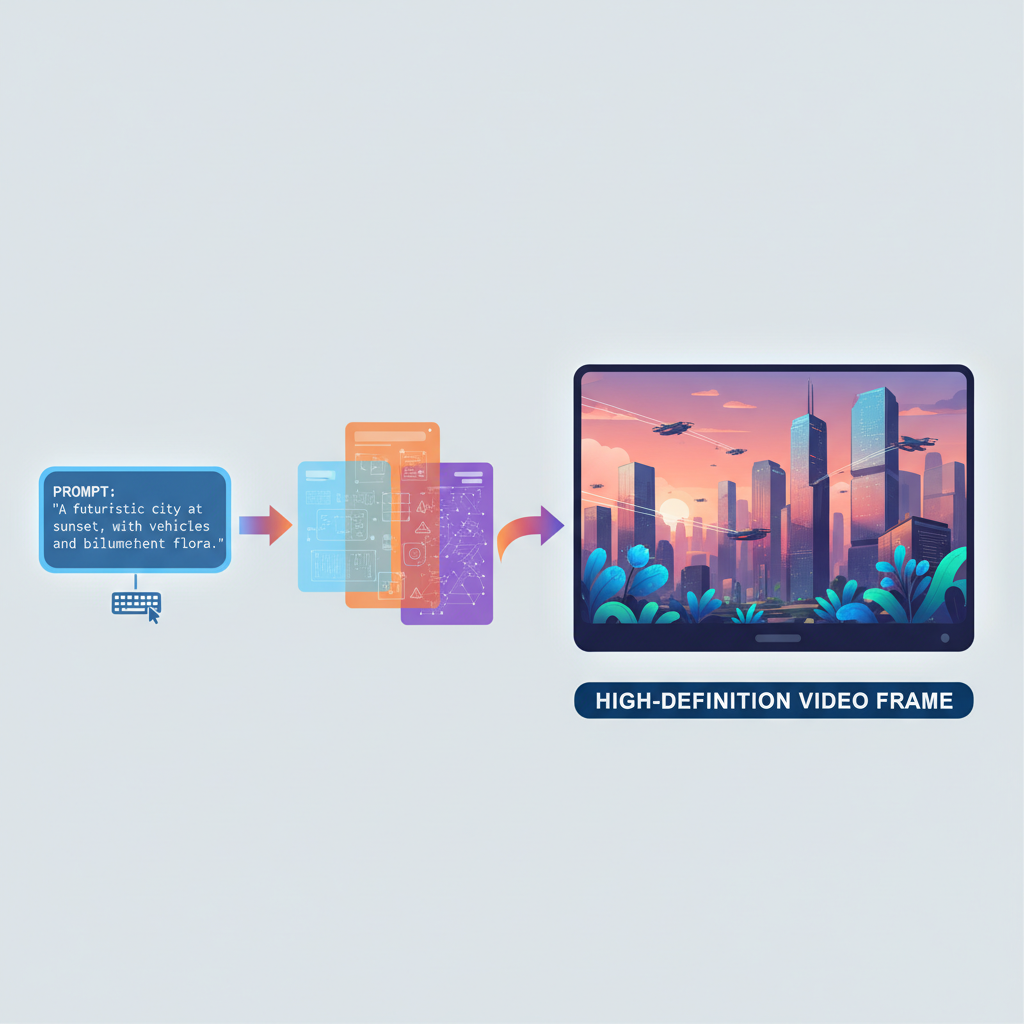
Whether you are a solo entrepreneur or part of a large marketing team, these platforms allow you to generate professional visuals in minutes. This guide explores the most effective solutions available today to help you streamline your creative workflow.
Table of Contents
Why You Should Use AI Video Tools Today
Efficiency is the primary driver behind the adoption of AI video tools. Traditional video production involves scripting, filming, and tedious post-production. Artificial intelligence reduces these steps significantly. By using machine learning algorithms, these tools can automate transitions, color grading, and even script generation. This allows creators to focus on strategy and storytelling rather than technical hurdles.
Cost reduction is another significant benefit. Hiring a full production crew is often outside the budget for small businesses. These software solutions provide a cost-effective alternative. You can create social media ads, internal training modules, or YouTube content for a fraction of the traditional cost. Furthermore, the ability to scale content is unmatched. You can produce dozens of videos in the time it used to take to make one.
Top AI Video Tools for Every Creator
1. Runway: The Leader in Generative Video
Runway remains at the forefront of generative technology. Its Gen-2 model allows users to transform text or images into stunning video clips. The interface is intuitive, making it accessible for those without a background in visual effects. It offers AI video tools features like motion brush and director mode, giving users precise control over how elements move within a frame. This tool is perfect for filmmakers looking to experiment with surreal or cinematic visuals.
Struggling with Runway credits? See our troubleshooting guide
2. HeyGen: Realistic AI Avatars
For those who need to create spokesperson videos without being on camera, HeyGen is a game-changer. It uses advanced neural networks to create realistic avatars that mimic human speech and gestures. Users simply upload a script, and the avatar delivers the message with natural intonation. This is particularly useful for corporate training and personalized sales outreach. The platform supports over 40 languages, making it a global favorite.
3. Descript: Edit Video Like a Pro
Descript revolutionizes the editing process by treating video like a text document. It transcribes your footage automatically. To edit the video, you simply edit the transcript. If you delete a sentence in the text, the corresponding video clip is removed. This “overdub” feature even allows you to correct spoken mistakes by typing new words. It is an essential tool for podcasters and social media creators who prioritize speed and accuracy.
4. InVideo AI: From Prompt to Video
InVideo AI “AI video tools” is designed for marketers who need quick results. By entering a simple prompt, the tool generates a full video complete with stock footage, voiceovers, and background music. It acts as a creative partner that understands context. Users can then refine the output using natural language commands. For instance, you can tell the AI to “make the music more upbeat” or “change the voiceover to a British accent.”
Want the full InVideo AI breakdown? Read our complete review
5. Pictory: Summarize Long-Form Content
Pictory is ideal for content repurposing. It can take a long blog post or a Zoom recording and automatically extract the most important highlights. These snippets are then turned into short, shareable videos for platforms like TikTok or Instagram. The tool automatically adds captions, which is vital for mobile viewers who often watch videos with the sound off. This helps maximize the reach of your existing content library.
Key Features to Look for in AI Video Tools

When selecting the right platform, consider the learning curve. Some tools are designed for professional editors, while others are built for beginners. Look for a clean user interface that does not overwhelm you with complex menus. Additionally, check the library of assets. The best AI video tools provide access to high-quality stock images, music, and templates. This saves you from having to purchase external licenses.
Integration is another factor. Does the software play well with your existing tech stack? Many modern platforms offer plugins for Adobe Premiere or direct exports to social media. Finally, consider the output quality. Ensure the tool supports at least 1080p resolution, with 4K options being preferable for professional projects. Reliability and rendering speed are also critical when working under tight deadlines.
Comparing text-to-video tools specifically? See our dedicated comparison
CapCut watermark issues? Here’s what to do
The Ethics of Artificial Intelligence in Video
As we embrace these technologies, ethical considerations are paramount. Transparency is key when using AI-generated avatars or deepfake technology. Users should always disclose when content has been modified or created by AI. This maintains trust with your audience. Furthermore, copyright issues are still being debated in legal circles. It is important to use tools that utilize ethically sourced training data to avoid potential legal complications in the future.
The Future of AI-Driven Content
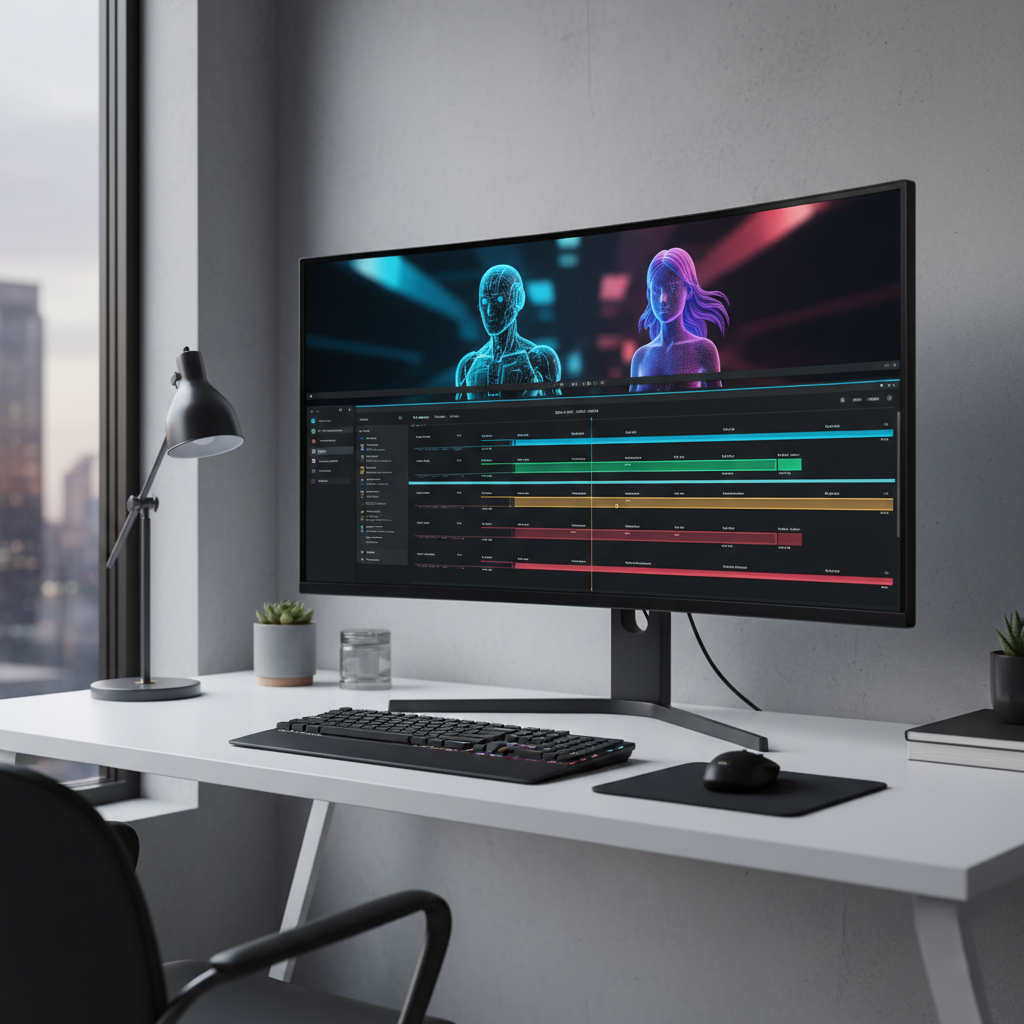
The trajectory of AI video tools suggests a future where high-end production is available to everyone. We are moving toward real-time video generation where interactive environments can be created on the fly. As the algorithms improve, the line between human-made and AI-made content will continue to blur. Staying updated on these trends is not just an advantage; it is a necessity for modern digital communicators.

Final Thoughts on Choosing Your Toolkit
Selecting the best AI video tools depends on your specific goals. If you need cinematic visuals, Runway is your best bet. For educational content, HeyGen or Synthesia offer the best avatar technology. If you are focused on social media growth, Pictory and InVideo will save you hours of work. The best approach is to test a few platforms using their free trials. This hands-on experience will help you determine which workflow feels most natural for your creative style.
This is just the video category — see our complete free AI tools rankings for writing, chatbots, images, and more.