
Managing social media in 2026 without AI is like editing video without a timeline — technically possible, but painfully slow. The good news? You don’t need to spend hundreds of dollars on premium subscriptions to tap into the best AI has to offer.
After testing over 30 tools, we’ve narrowed it down to the 12 best free AI tools for social media — tools that actually work, don’t bury the useful features behind a paywall, and can realistically help you grow your audience faster.
Whether you’re a solo creator, a small business owner, or a social media manager juggling multiple accounts, this guide covers everything you need.
See our complete free AI tools rankings for a broader look across every category.

Table of Contents
Quick Picks: Best Free AI Tools for Social Media at a Glance
| Tool | Best For | Free Plan Limit | Rating |
|---|---|---|---|
| ChatGPT | Caption & content writing | 40 messages/3hrs | ⭐⭐⭐⭐⭐ |
| Canva AI | Graphics & visual content | 50 AI credits/month | ⭐⭐⭐⭐⭐ |
| CapCut | Short-form video editing | Unlimited (watermark) | ⭐⭐⭐⭐⭐ |
| Buffer | Scheduling & publishing | 3 channels, 10 posts | ⭐⭐⭐⭐ |
| Opus Clip | Repurposing long videos | 60 min/month | ⭐⭐⭐⭐ |
| Adobe Express | Branded graphics | Limited AI features | ⭐⭐⭐⭐ |
| Metricool | Analytics & scheduling | 1 brand, limited posts | ⭐⭐⭐⭐ |
| Copy.ai | Captions & ad copy | 2,000 words/month | ⭐⭐⭐ |
| Pika Labs | AI video generation | 150 credits/month | ⭐⭐⭐⭐ |
| Perplexity AI | Research & trend spotting | 5 Pro searches/day | ⭐⭐⭐⭐ |
| Lately AI | Content repurposing | Trial only | ⭐⭐⭐ |
| Kling AI | AI video (realistic motion) | 66 credits/day | ⭐⭐⭐⭐ |
Looking for a broader overview of free AI tools across all categories? Start with our complete guide: Best Free AI Tools in 2026 →
How We Evaluated These Tools
Before diving in, here’s exactly how we tested each tool. We evaluated them on five criteria:
- Free plan generosity — how much you can actually do without paying
- Output quality — does the AI produce content worth posting?
- Ease of use — can a non-technical person use it in under 5 minutes?
- Social media relevance — is it actually designed for social content?
- No forced credit card — we flagged tools that require payment info upfront
We spent 2 to 3 hours per tool, created real social posts, and compared the outputs side by side.
The 12 Best Free AI Tools for Social Media in 2026

1. ChatGPT — Best for Writing Captions, Hooks & Content Strategy
Free plan: GPT-4o access with 40 messages every 3 hours
If you’re not using ChatGPT for social media yet, you’re leaving a massive productivity gain on the table. The free tier now includes GPT-4o — the same powerful model as the paid version, just rate-limited.
What you can do for free:
- Write scroll-stopping Instagram captions in seconds
- Generate 30 content ideas for any niche in one prompt
- Create Twitter/X threads with built-in hooks
- Repurpose blog posts into LinkedIn carousels outlines
- Write YouTube Shorts scripts with strong calls to action
What makes it stand out: ChatGPT understands context. You can tell it your brand voice, your audience’s pain points, and the platform you’re targeting — and it adapts accordingly. Most other writing tools don’t come close to this level of customization on a free plan.
Limitation: The 40-message cap means heavy users will hit the ceiling quickly. Workaround: batch your prompts — instead of asking for one caption at a time, ask for 10 at once.
Best prompt to start with:
“Write 5 Instagram captions for a [your niche] account targeting [your audience]. Make them conversational, include one question to boost comments, and add 3 relevant hashtag suggestions for each.”
Verdict: The single most powerful free AI tool for social media content creation. Non-negotiable.
2. Canva AI — Best for Designing Social Graphics
Free plan: 50 AI credits/month (Magic Studio features), unlimited classic design tools
Canva was already the go-to tool for social media graphics. In 2026, its AI features — grouped under Magic Studio — have made it genuinely indispensable.
What you can do for free:
- Generate custom images with Magic Media (text-to-image)
- Remove backgrounds instantly with Magic Eraser
- Resize designs for every platform in one click (Magic Resize)
- Auto-translate designs into multiple languages
- Use Magic Write for in-design caption suggestions
What makes it stand out: The combination of a massive template library (250,000+ templates) and AI generation means you can go from zero to a professional-looking post in under 5 minutes. No design experience required.
Limitation: 50 AI credits disappear faster than you’d expect if you’re using Magic Media heavily. Save your credits for image generation — use classic templates for everything else.
Pro tip: Use Canva’s Brand Kit (free) to lock in your colors, fonts, and logo. Every template you create will automatically match your brand identity.
Verdict: The best free AI tool for visual social media content. Pairs perfectly with ChatGPT — use ChatGPT for copy, Canva for design.
3. CapCut — Best Free AI Video Editor for Short-Form Content
Free plan: Fully free with watermark on some exports; most AI features included
CapCut is the secret weapon of every successful TikTok and YouTube Shorts creator in 2026. It started as a basic mobile editor and has evolved into a surprisingly powerful AI video suite.
What you can do for free:
- Auto-generate captions with 98%+ accuracy
- Use AI to automatically detect and cut silent gaps
- Apply trending audio with one tap
- Use “AI Script to Video” — paste text, get a video
- Remove backgrounds without green screen
- Generate AI avatars that read your script aloud
What makes it stand out: The “Auto Cut” feature alone saves hours of editing. It analyzes your footage and removes filler words, pauses, and bad takes automatically. Content that used to take 2 hours to edit now takes 20 minutes.
Limitation: The watermark on exports for some features. Workaround: export at a slightly lower resolution or use the mobile app instead of desktop — the watermark rules differ.
Best use case for social media: Record a raw 5-minute talking head video. Drop it into CapCut. Let Auto Cut clean it up. Add captions. Export. You now have a polished YouTube Short or TikTok in under 15 minutes.
Verdict: Essential for any creator making short-form video content. Nothing else comes close at zero cost.
4. Buffer — Best Free AI Tool for Social Media Scheduling
Free plan: 3 social channels, 10 scheduled posts per channel, basic AI assistant
Buffer has been a reliable scheduling tool for years. Its 2026 update added an AI Assistant that helps you write posts directly inside the scheduler — a genuinely useful combination.
What you can do for free:
- Schedule up to 10 posts per channel across 3 platforms
- Use AI Assistant to rewrite, shorten, or expand any post
- Get posting time recommendations based on your audience
- Preview exactly how posts will look before publishing
- Basic analytics on post performance
What makes it stand out: The workflow integration. Most people use ChatGPT to write content, then paste it into their scheduler. Buffer eliminates that step — you write, refine with AI, and schedule all in one place.
Limitation: 10 posts per channel means you’ll hit the ceiling fast if you post daily. Buffer is best for accounts posting 2 to 3 times per week per platform.
Verdict: The most beginner-friendly free scheduler with AI built in. Upgrade to Essentials ($6/month) if you post daily.
5. Opus Clip — Best for Repurposing Long Videos into Short Clips
Free plan: 60 minutes of video processing per month
Opus Clip does one thing and does it brilliantly: it takes a long video (a podcast, webinar, YouTube video, or Zoom recording) and automatically cuts it into short, viral-ready clips.
What you can do for free:
- Upload up to 60 minutes of video per month
- Get AI-generated clips with a “virality score”
- Auto-add captions, emojis, and b-roll suggestions
- Identify the highest-engagement moments automatically
- Export in vertical format ready for TikTok/Reels/Shorts
What makes it stand out: The virality score. Opus Clip analyzes millions of viral short-form videos and scores your clips based on how likely they are to perform. It’s not perfect, but it’s remarkably useful as a starting filter.
Best workflow: Record one 30-minute long-form video per week (a tutorial, interview, or deep-dive). Feed it into Opus Clip. Get 8 to 12 clips ready for short-form platforms. You’ve just turned one recording session into a week of content.
Limitation: 60 minutes goes quickly if you’re processing long videos. Prioritize your best content.
Verdict: The best free tool for content repurposing. A must-have for creators who do long-form content.
6. Pika Labs — Best for AI-Generated Video Content
Free plan: 150 credits/month (approximately 50 short video generations)
Pika Labs is one of the most impressive AI video generators available in 2026, and its free tier is genuinely usable. You can generate short video clips from text prompts or animate still images.
What you can do for free:
- Generate 3 to 4 second video clips from text prompts
- Animate product photos or illustrations
- Create cinematic backgrounds for your content
- Add motion effects to static social media graphics
- Export in multiple aspect ratios including 9:16 vertical
What makes it stand out: The quality of motion. Pika 2.0 (released late 2025) produces dramatically more realistic and smooth motion than earlier versions. Product animations and lifestyle clips that would cost hundreds to produce professionally can now be created in minutes.
Best social media use case: Create eye-catching animated intros for your Instagram Reels or TikToks. Even a 2-second animated clip as an opening hook dramatically increases retention.
Verdict: Excellent free AI video generation tool, especially for brands wanting high-quality visual content without a video production budget.
7. Kling AI — Best Free Alternative for Realistic AI Video
Free plan: 66 credits per day (~10 to 15 video generations)
Kling AI from Kuaishou (China’s equivalent of TikTok’s parent company) burst onto the scene in 2025 and has become one of the top AI video generators globally. The daily free credit refresh makes it uniquely generous.
What you can do for free:
- Generate 5-second realistic video clips daily
- Create product showcase videos from images
- Animate portraits and character-based content
- Use text-to-video for dynamic social content
What makes it stand out: The realism. Kling AI specializes in photorealistic motion — human faces, hands, and product movements look more natural than most competitors. For lifestyle brands and e-commerce, this is a significant advantage.
Limitation: Output is sometimes inconsistent — regenerate if the first result doesn’t meet your standards.
Verdict: The most generous free AI video generator in terms of daily output. Use Pika and Kling together to maximize your free video generation capacity.
8. Adobe Express — Best for Brand-Consistent Social Graphics
Free plan: Limited AI features, generous template library, Adobe fonts included
Adobe Express is Canva’s main competitor, and while its free plan is slightly less generous on AI features, it has one major advantage: access to Adobe’s professional font library and design assets that feel more premium by default.
What you can do for free:
- Access 1,000+ professional templates
- Use Adobe Fonts (thousands of typefaces, free)
- Create animated social posts with one click
- Remove backgrounds (limited uses on free plan)
- Generate text effects and branded graphics
Best use case: If your brand has a more professional or corporate identity, Adobe Express’s templates tend to feel more refined than Canva’s. The typography choices are superior out of the box.
Verdict: Use as a complement to Canva, particularly for LinkedIn content or professional brand graphics where polish matters more than speed.
9. Metricool — Best Free AI Analytics Tool for Social Media
Free plan: 1 brand, limited post scheduling, full analytics dashboard
Most social media managers underestimate analytics. Metricool fixes that. It gives you a unified dashboard showing performance across all your social platforms, and its free plan is more generous than most competitors.
What you can do for free:
- Track performance across Instagram, TikTok, Twitter/X, LinkedIn, YouTube, Pinterest simultaneously
- See your best performing posts and identify patterns
- Get best time to post recommendations based on real data
- Schedule a limited number of posts
- Monitor competitor accounts (limited)
What makes it stand out: The competitor analysis feature — even on the free plan, you can track what your competitors are posting and how their content performs. This is invaluable for content strategy.
Best workflow: Spend 30 minutes every Monday morning in Metricool reviewing last week’s performance. Double down on what worked. Cut what didn’t. Over 90 days, this habit alone will dramatically improve your content performance.
Verdict: The best free social media analytics tool available. Non-negotiable if you’re serious about growth.
10. Perplexity AI — Best for Social Media Research & Trend Spotting
Free plan: Unlimited standard searches, 5 Pro searches per day
Perplexity AI is a research tool, not a content creator — but it’s one of the most underrated free AI tools for social media strategy. It searches the web in real time and gives you cited, accurate answers.
What you can do for free:
- Research trending topics in your niche right now
- Find stats and data to back up your social posts
- Discover what questions your audience is asking
- Get summaries of competitor content and industry news
- Generate research-backed content angles
Best social media use case: Instead of posting generic content, use Perplexity to find a surprising statistic or a trending debate in your niche. Lead with that in your caption — “Did you know that [surprising stat]?” performs consistently better than generic tips.
Verdict: Not for content creation, but essential for content strategy and research. Use it before you write, not after.
11. Copy.ai — Best for Social Media Ad Copy & Captions
Free plan: 2,000 words per month, access to core templates
Copy.ai is a dedicated AI copywriting tool with templates specifically built for social media — including Instagram captions, Facebook ads, LinkedIn posts, Twitter hooks, and more.
What you can do for free:
- Use 90+ social media-specific templates
- Generate caption variants for A/B testing
- Write Facebook and Instagram ad copy
- Create product description captions for e-commerce
- Generate hashtag strategy suggestions
What makes it stand out: The social media templates. While ChatGPT requires you to craft your own prompts, Copy.ai’s templates guide you through inputs (product, audience, tone) and generate platform-optimized copy automatically. Faster for beginners.
Limitation: 2,000 words per month is tight. Prioritize high-value copy (ads, pinned posts) over everyday captions.
Verdict: Useful as a complement to ChatGPT, especially for paid ad copy and A/B testing caption variants.
12. Lately AI — Best for Content Repurposing (Trial)
Free plan: Trial only (no permanent free tier)
Lately AI is the most specialized tool on this list. It analyzes your existing top-performing content, identifies the language patterns that resonate with your audience, and generates new social posts in that same style.
What you can do on trial:
- Feed in a long article, podcast, or video
- Get dozens of social post drafts automatically
- See which phrases from your existing content drove the most engagement
- Build a content model based on your actual audience data
Why it’s on this list despite no free tier: The trial is long enough to generate a full month’s worth of content. If you’re starting fresh and need to build a content library quickly, Lately AI’s trial is worth using strategically.
Verdict: Use the trial to generate a 30-day content bank, then decide if the paid plan makes sense for your volume.
How to Build a Free AI Social Media Stack That Works
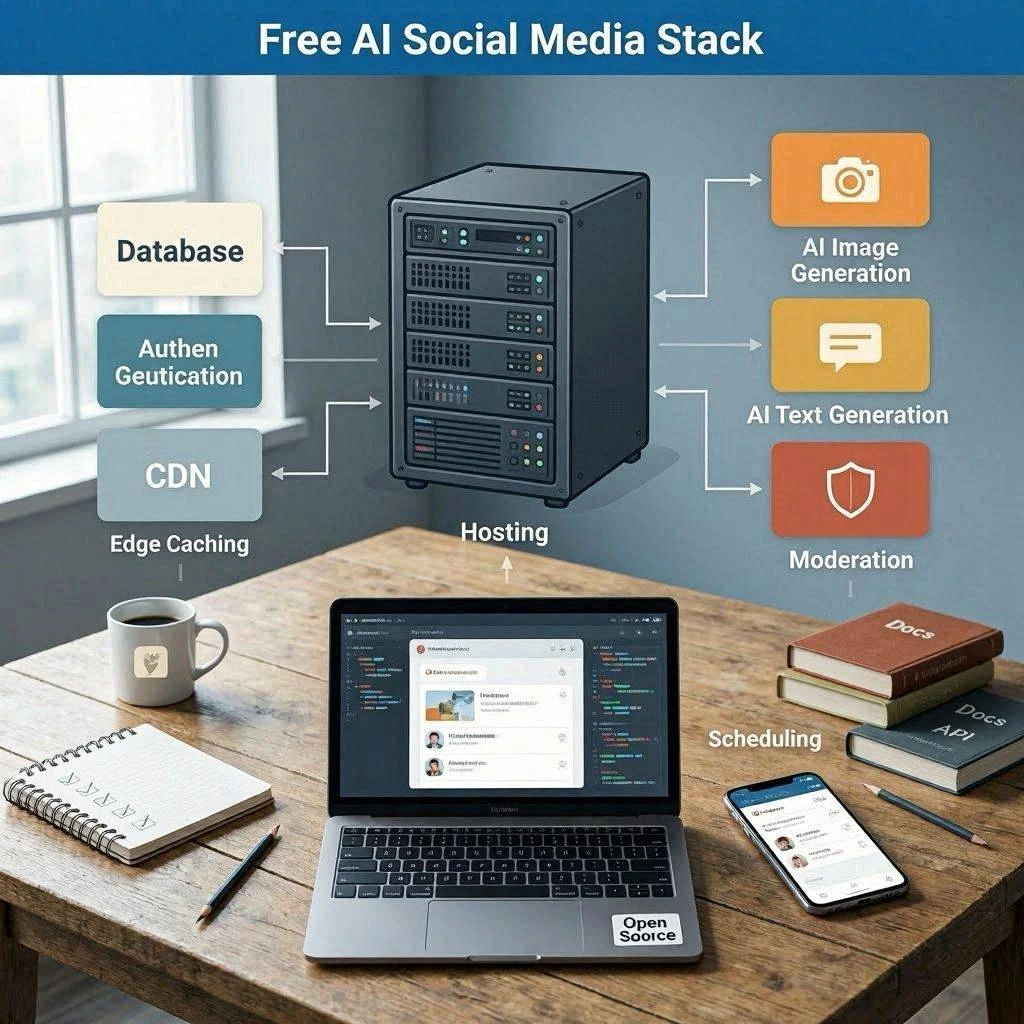
You don’t need all 12 tools. Here’s the minimal effective stack based on your situation:
If you’re a solo creator just starting out:
- ChatGPT — write all your captions and scripts
- Canva — design all your graphics
- CapCut — edit all your videos
- Buffer — schedule your posts
- Metricool — track what’s working
That’s five free tools that cover the entire content creation and distribution workflow.
If you’re focused on video content:
- ChatGPT — script writing
- CapCut — editing and auto-captions
- Opus Clip — repurposing long videos into shorts
- Pika Labs or Kling AI — AI-generated video clips
- Metricool — analytics
If you’re running a brand or small business:
- ChatGPT — strategy and copy
- Canva + Adobe Express — graphics (Canva for speed, Adobe for polish)
- Buffer — scheduling
- Metricool — analytics and competitor tracking
- Perplexity — research and trend spotting
Frequently Asked Questions
Are these tools really free, or is it a bait-and-switch?
All tools on this list have a genuine free tier — meaning you can use real features without entering a credit card. Some, like Canva and ChatGPT, are free indefinitely. Others, like Lately AI, offer a time-limited trial. We’ve been specific about what each free plan actually includes.
Which free AI tool is best for growing Instagram followers?
For Instagram growth specifically, the best combination is ChatGPT (for captions and hooks), Canva (for Reels covers and carousel graphics), and CapCut (for Reels editing). Pair this with Metricool to track which content drives the most follows and double down on that format.
Can I really manage social media for free in 2026?
Yes — with some caveats. The free tools on this list are genuinely powerful for creating and scheduling content. The main limitations are volume (how much you can produce per month) and analytics depth. For most individual creators and small businesses posting 4 to 7 times per week, a fully free stack is entirely viable.
Is ChatGPT better than Copy.ai for social media captions?
For most users, yes. ChatGPT’s free tier (GPT-4o) is more flexible, more powerful, and has no monthly word limit in the same sense. Copy.ai’s advantage is its pre-built social media templates, which are faster for beginners. Once you learn to write good ChatGPT prompts, it outperforms Copy.ai at the free tier.
What’s the best free AI tool for TikTok specifically?
CapCut is the dominant choice for TikTok — it was literally built by ByteDance (TikTok’s parent company) and integrates directly with TikTok trending sounds and effects. Combine it with Opus Clip for repurposing longer content into TikTok-ready clips.
Do I need to disclose that I’m using AI to create social media content?
This depends on your platform and jurisdiction. Most social media platforms currently don’t require disclosure for AI-assisted content (where AI helps but a human directs and edits). For fully AI-generated content, especially in advertising, disclosure requirements are evolving. When in doubt, be transparent with your audience — it builds trust rather than eroding it.
Final Verdict: The Best Free AI Tool for Social Media in 2026
If you could only pick one tool from this entire list, it would be ChatGPT. The writing capability, strategic thinking, and content ideation it unlocks on the free tier is unmatched. Add Canva for visuals and CapCut for video, and you have a professional-grade free content creation system.
The social media landscape in 2026 rewards creators who can produce high-quality content consistently. These 12 free tools make that possible without spending a cent.
Start with the minimal stack, master it over 30 days, then add tools based on what your analytics tell you is working.
Last updated: May 2026 | All tool features and free plan limits verified at time of publication.
Related articles you might like:
Using them together gives the best results.
- The Complete Guide to Free AI Tools in 2026
- Best Free AI Writing Tools for Bloggers in 2026
- Free AI Image Generators With No Watermark in 2026
- Best Free AI Tools for Students in 2026
- How to Make Money with Free AI Tools in 2026
- Best Free AI Video Generators Without Watermark in 2026
- ChatGPT vs Gemini vs Claude: Which Is Best for Content Creators?