
Imagine pulling into your driveway after a long day, and your garage door smoothly glides open, seemingly anticipating your arrival. This isn’t a scene from a futuristic movie; it’s the seamless reality offered by modern home automation. For entrepreneurs, freelancers, and online business owners juggling countless tasks, every minute saved and every point of friction removed from their daily routine contributes to greater efficiency.
Table of Contents
That’s precisely where the innovation of Smart garage doors with geolocation auto-open steps in, transforming a mundane interaction into a truly intelligent experience. This guide dives deep into leveraging a Smart garage door geofencing system to enhance your digital lifestyle, offering unparalleled convenience and security.
Tools & Requirements
Implementing an automated garage door system requires a few key components, often integrated through smart home platforms. Here’s what you’ll typically need:
- Smart Garage Door Opener Kit: This includes the main controller that connects to your existing garage door motor, a sensor to detect door status (open/closed), and often a hub or bridge. Popular brands include MyQ by Chamberlain, Tailwind iQ3, Meross Smart Wi-Fi Garage Door Opener, and Refoss.
- Reliable Wi-Fi Network: A stable 2.4GHz Wi-Fi connection is essential for the smart opener to communicate with your home network and the internet.
- Smartphone with GPS: Your mobile device acts as the primary geofencing trigger, using its location services to signal your approach or departure.
- Companion Mobile App: Each smart opener comes with its dedicated app (e.g., MyQ app, Tailwind app). This app manages settings, schedules, notifications, and, crucially, geofencing rules.
- Optional Smart Home Hub/Integrations: For more advanced automation and interoperability, consider platforms like Apple HomeKit, Google Home, Amazon Alexa, or IFTTT (If This Then That) to create complex routines involving other smart devices.
Setup & Implementation Timeline

The beauty of modern smart home technology lies in its increasing user-friendliness. For most individuals, setting up a smart garage door opener with geofencing capabilities can be completed within a surprisingly short timeframe. Expect the physical installation of the smart opener hardware (connecting it to your existing motor and mounting the sensor) to take roughly 30 minutes to an hour, depending on your DIY comfort level.
The software setup, including app installation, device pairing, and configuring the geofence, typically adds another 15-30 minutes. The learning curve is minimal, as most apps are designed with intuitive interfaces. You can often see immediate results and test the system within an hour or two of starting the process, making it a quick win for anyone looking to boost their daily efficiency.
Step-by-Step Implementation Guide

Achieving truly seamless automated access with Smart garage doors with geolocation auto-open involves a methodical setup. Here’s a breakdown:
- Install the Smart Opener Hardware: Follow the manufacturer’s instructions to connect the smart controller to your existing garage door opener’s wall control terminals. Mount the door sensor (typically wireless) on the garage door itself to detect its open/closed status. Ensure all wiring is secure and tidy.
- Connect to Wi-Fi and Pair with App: Download the dedicated mobile app for your smart opener. Power on the smart controller and follow the app’s prompts to connect it to your home’s 2.4GHz Wi-Fi network. Once connected, pair the device within the app, which usually involves a simple discovery process.
- Calibrate and Test Manual Operation: Before setting up automation, use the app to manually open and close your garage door. Confirm that the door sensor accurately reports the door’s status in the app (open/closed).
- Configure Geofencing: Navigate to the geofencing or location-based automation settings within your smart opener’s app. Define your “home” zone by setting a radius around your property. Most apps allow you to set different radii for opening and closing (e.g., open when 500 feet away, close when 100 feet away after leaving).
- Set Up Geofence Rules: Create rules for when the door should open upon arrival and close upon departure. Best practice is to set a “confirm close” rule to prevent accidental closures while you’re still in the driveway. Some advanced Smart garage door geofencing system allow for time-based geofences or conditional logic (e.g., only open if it’s after 7 AM).
- Test Thoroughly: Drive away from your home, beyond the geofence radius, and then drive back, observing the garage door’s behavior. Adjust the geofence radius and rules as needed for optimal performance and reliability.
Key Benefits & Business Impact
While often seen as a convenience, automating your garage door with geolocation has tangible benefits for productivity and security, especially for those running online businesses or managing multiple properties. Firstly, the most immediate gain is time savings. No more fumbling for remotes or punching in codes, translating to valuable seconds saved during busy mornings or late-night returns, allowing focus on critical business tasks. This hands-free operation also boosts security by ensuring the door closes automatically when you leave, eliminating the “did I close the garage?” anxiety.
For property managers or short-term rental hosts, this technology offers scalable access control, allowing tenants or guests hands-free entry without physical keys. The data from a Smart garage doors with geolocation auto-open system can also provide insights into vehicle movements, offering a layer of operational awareness. Ultimately, integrating a Smart garage door geofencing system into your digital ecosystem contributes to a smoother, more secure, and highly efficient daily workflow, delivering a clear return on investment through reduced friction and enhanced peace of mind.
Advanced Tips, Alternatives, or Optimization Strategies
To take your automated garage door a step further, consider integrating it with broader smart home ecosystems. Tools like IFTTT allow for custom applets, such as flashing smart lights when the garage door opens, or pausing smart speakers. For open-source enthusiasts, Home Assistant offers unparalleled customization, letting you build complex automation routines based on presence detection, weather conditions, or even specific users. Optimize battery life on your smartphone by checking the geofencing app’s settings; some offer power-saving modes. Explore advanced features like auto-close timers if the door is left open for an extended period, or guest access management for temporary users. Some systems also offer video integration, allowing you to visually confirm the door’s status from anywhere.
Common Mistakes to Avoid
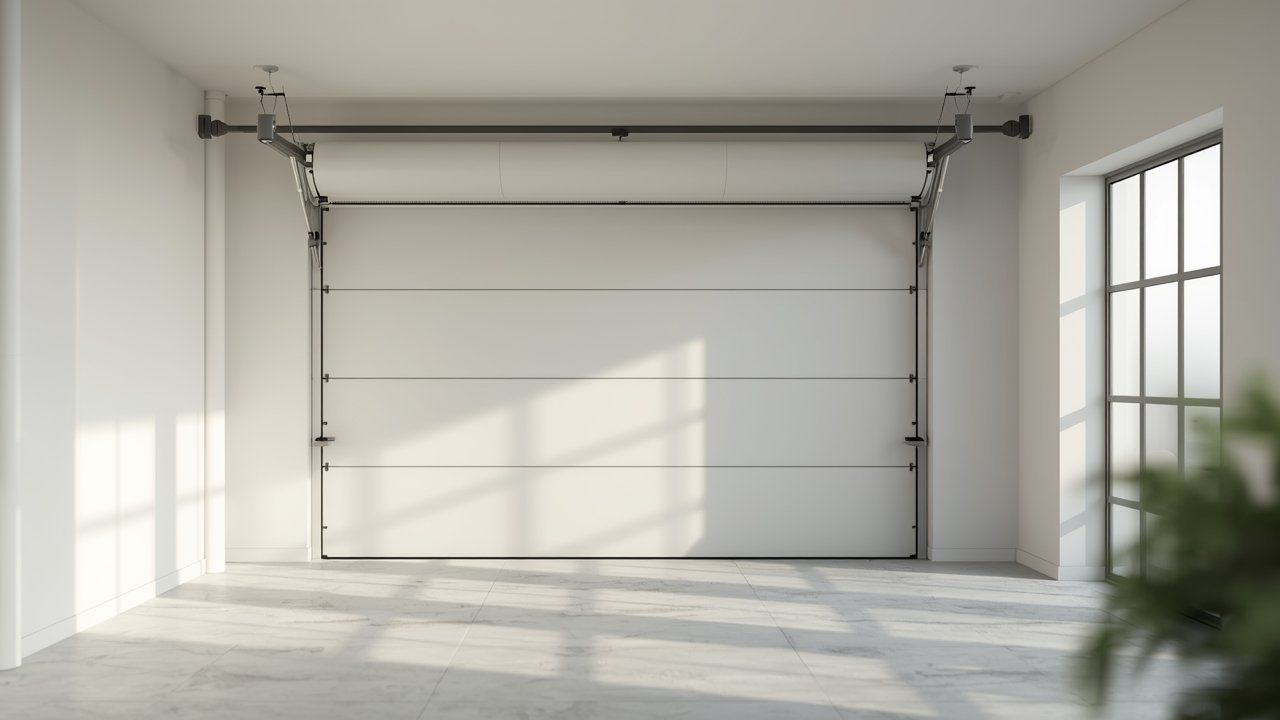
While generally reliable, certain pitfalls can hinder your smart garage door’s performance. A common mistake is setting the geofence radius too small or too large, leading to premature opens or delayed closures. Ensure your Wi-Fi signal is strong in the garage; weak signals cause connectivity issues. Neglecting smartphone location services or battery optimization settings can prevent the geofence from triggering reliably. Critically, overlooking security is a mistake; always use strong, unique passwords for your smart home accounts and enable two-factor authentication. Lastly, failing to test the system under various conditions (e.g., different driving speeds, GPS signal variations) can lead to frustrating inconsistencies. Always prioritize a robust security setup and thorough testing.
Maintenance, Updates & Long-Term Optimization
Maintaining your smart garage door system involves regular digital hygiene. Keep the companion mobile app updated to ensure you have the latest features, security patches, and bug fixes. Similarly, check for firmware updates for your smart garage door opener hardware, as these often improve performance and add stability.
Periodically review your geofencing settings; road changes or new habits might require adjusting the radius or trigger points. Monitor your internet connection’s stability, as dropped Wi-Fi can interrupt automation. It’s also wise to back up your smart home configurations if your platform supports it. For long-term optimization, consider integrating your garage door into a broader smart home security routine, ensuring it works in concert with other devices like cameras or alarm systems.
Conclusion
The integration of digital intelligence into our physical environments continues to redefine convenience and efficiency. For busy professionals and online business owners, optimizing daily routines is paramount, and the innovation of Smart garage doors with geolocation auto-open offers a tangible upgrade. By automating a traditionally manual task, you reclaim valuable time, enhance security, and streamline your workflow, allowing you to focus on what truly matters. The setup is straightforward, and the benefits are immediate and impactful. Don’t underestimate the power of seemingly small automations to create significant improvements in your digital lifestyle. Embrace the future of effortless access by implementing a Smart garage door geofencing system today and experience the seamless harmony of technology working for you.
FAQs
Is a smart garage door opener compatible with any existing garage door motor?
Most smart garage door openers are designed to be compatible with standard residential garage door motors manufactured after 1993. They typically connect to the existing wall control wiring. However, always check the specific product’s compatibility list or consult their support for older or unusual models.What happens if my smartphone battery dies or I lose internet connectivity?
If your smartphone battery dies, the geofencing won’t trigger, but you can still operate the door manually or via an included remote. Loss of internet means the smart features won’t work remotely, but the physical wall button and traditional remotes should still function locally, depending on the specific opener model.How secure are these geofencing systems against unauthorized access?
Reputable smart garage door systems employ robust encryption and security protocols. They require user authentication, often with two-factor verification. While no system is foolproof, adhering to strong password practices and keeping firmware updated significantly reduces the risk of unauthorized access compared to traditional remote systems.Can multiple users or family members use the same geofencing system?
Yes, most smart garage door apps allow you to invite multiple users to your household. Each authorized user’s smartphone can then act as a geofence trigger. This is highly convenient for families or small teams requiring access, ensuring everyone benefits from the automated opening and closing functionality.What is the typical range or accuracy of the geofencing feature?
The accuracy typically depends on your smartphone’s GPS capabilities and cellular network coverage, usually within 50 to 150 feet. Most apps allow you to set a customizable geofence radius, from a few hundred feet up to a mile, enabling you to fine-tune when the door triggers based on your specific property and preferences.